
Understanding SEO: A Guide for Small Business Owners
If you’ve ever wondered why your competitors show up on Google and you don’t, you’re not alone.
Most small business owners have heard of SEO for small business, but few fully understand how it works—or how to use it to actually get more customers.
The good news? You don’t need to be a tech expert to start seeing results.
In this beginner SEO guide, I’ll walk you through how SEO works for small businesses, what matters most, and how you can start improving your visibility today.
What Is SEO and Why Does It Matter for Small Businesses?
Search engine optimization for small business is the process of improving your website so it shows up when people search on Google.
According to Google’s own SEO starter guide, SEO is about helping search engines understand your content and connect it with users searching for relevant topics.
Let’s keep it simple:
- Someone searches: “coffee shop near me”
- Google shows results
- Businesses with better SEO show up first
That’s it.
The reason small business SEO matters is because your customers are already searching for what you offer. If you’re not showing up, they’re finding someone else.
SEO helps you:
- Increase website traffic for small business
- Get more calls, bookings, and walk-ins
- Build trust with potential customers
- Compete with larger companies
Think of SEO as your digital storefront. If it’s optimized well, more people walk in.
How Search Engines Work in Simple Terms
To understand how SEO works for small businesses, you only need to know three basic steps:
1. Crawling
Search engines scan your website and content.
2. Indexing
They store your pages in their database.
3. Ranking
They decide where your page should appear in search results.
Google’s goal is simple: show the most relevant and helpful result.
So your job is also simple:
- Be relevant
- Be helpful
- Be easy to understand
If you do those three things consistently, your rankings improve over time.
The 3 Main Types of SEO: On-Page, Local, and Technical
When people talk about SEO basics for small business, they usually mean these three areas.
1. On-Page SEO
This is everything on your website.
It includes:
- Keywords (what people search for)
- Content quality
- Metadata and title tags
- Internal linking
2. Local SEO for Small Business
This helps you show up in location-based searches like:
- “plumber near me”
- “best salon in [city]”
Key factors include:
- Google Business Profile optimization
- Reviews
- Local listings
If you haven’t set this up yet, you can follow the official Google Business Profile guide to get started.
3. Technical SEO Basics
This is the behind-the-scenes stuff:
- Website speed
- Mobile friendliness
- Secure connection (HTTPS)
You don’t need to master technical SEO, but your website should be fast and easy to use.
How to Do Keyword Research for Your Business
Keyword research for small business is about finding what your customers are typing into Google.
Start simple:
- What do you sell?
- What problems do you solve?
Then turn those into search phrases.
Examples:
- “hair salon in Manila”
- “affordable catering services”
- “best car repair near me”
You can also use tools and guides like this beginner-friendly resource from Moz’s keyword research guide to go deeper.
Focus on:
- Clear intent (what the person wants)
- Local keywords if you serve a specific area
This is the foundation of your SEO content strategy.
How to Optimize Your Website Pages for SEO
Once you have keywords, the next step is on-page SEO.
Here’s a simple checklist:
1. Use Your Keyword Naturally
Include it in:
- Page title
- Headings
- First paragraph
- Throughout the content
2. Optimize Metadata and Title Tags
Your title tag is what shows on Google.
Example:
“Affordable Catering Services in San Antonio | [Business Name]”
3. Improve Content Quality
Your content should:
- Answer questions clearly
- Be easy to read
- Provide real value
4. Use Internal Linking
Link to other pages on your site to help users (and Google) navigate.
For example, if you offer payment-related services, you can guide readers to a page about payment processing solutions for small businesses to connect SEO traffic with real business outcomes.
5. Make It Mobile-Friendly
Most users are on their phones. Your site should load quickly and look clean.
These small changes can significantly improve your search engine optimization for small business results.
Why Local SEO Matters for Small Business Owners
If you serve a local area, local SEO for small business is one of the fastest ways to get results.
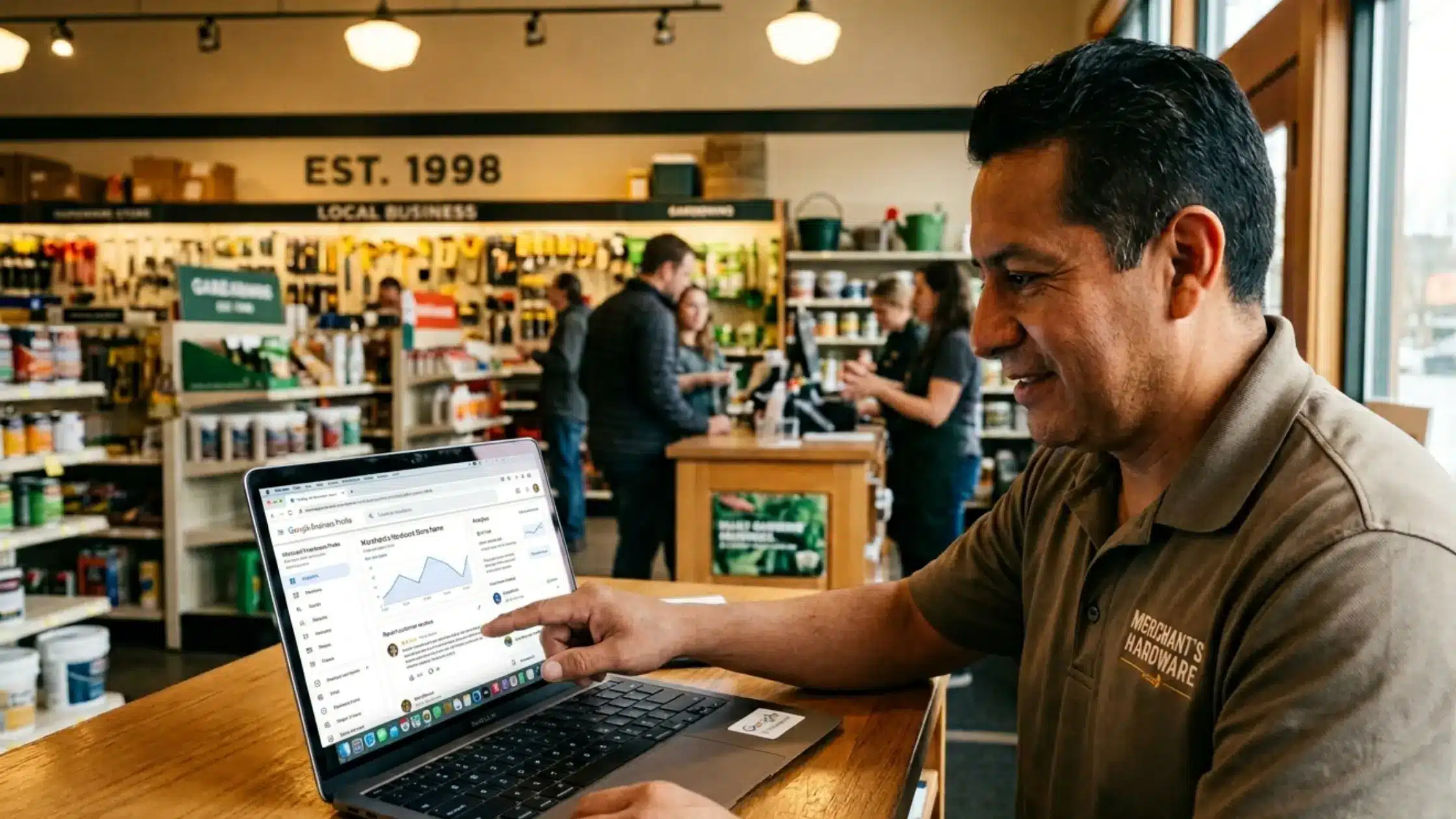
The most important tool here is your Google Business Profile.
Make sure you:
- Claim and verify your listing
- Add accurate business information
- Upload photos
- Collect customer reviews
Why this matters:
When someone searches:
“bakery near me”
Google shows a map with local businesses.
If you’re not optimized, you won’t appear.
Local SEO directly impacts:
- Foot traffic
- Phone calls
- Immediate sales
And if your goal is to grow locally while improving margins, it’s also worth understanding how reducing operational costs like payment processing fees can directly impact profitability alongside increased traffic.
How Blog Content Helps You Rank and Build Trust
Many small businesses skip blogging—but it’s one of the most powerful SEO tools.
Why?
Because Google rewards helpful content.
When you create blog posts:
- You target more keywords
- You answer customer questions
- You build authority
Examples of blog topics:
- “How to choose the right catering service”
- “5 signs your car needs repair”
- “Best hairstyles for summer”
These are also great blog SEO tips:
- Write consistently
- Focus on real customer questions
- Keep content simple and practical
Over time, this builds trust—and trust leads to conversions.
Common SEO Mistakes Small Businesses Should Avoid
A lot of businesses struggle with SEO because they make a few common mistakes.
Here are the big ones:
1. Keyword Stuffing
Using the same keyword too many times hurts readability and rankings.
2. Ignoring Local SEO
If you’re a local business, this is a missed opportunity.
3. Not Updating Content
SEO is not “set it and forget it.” It requires ongoing effort.
4. Slow Website Speed
A slow site drives visitors away.
5. No Clear Strategy
Posting random content without a plan doesn’t work.
Avoiding these mistakes will put you ahead of many competitors.
How Long SEO Takes to Work
This is one of the most common questions.
The honest answer:
SEO takes time.
Typically:
- 1–3 months: small improvements
- 3–6 months: noticeable traffic growth
- 6–12 months: strong results
Studies from platforms like Ahrefs consistently show that ranking on Google is a long-term process, not an overnight win.
But here’s the upside:
Unlike ads, SEO keeps working even when you stop spending.
It’s a long-term investment in your business growth.
Simple First Steps to Improve SEO Today
If you’re just getting started, don’t overcomplicate it.
Here are practical small business SEO tips you can implement right away:
- Claim your Google Business Profile
- Add your business to Google Maps
- Use clear keywords on your homepage
- Write one helpful blog post per month
- Improve your website speed
- Ask customers for reviews
- Make sure your site works on mobile
Start small. Stay consistent.
That’s how SEO works.
Final Thoughts: Turning Visibility Into Growth
SEO isn’t just about rankings—it’s about growth.
When done right, it helps you:
- Get found by the right customers
- Build trust before the first conversation
- Increase revenue without relying only on ads
But here’s something many small business owners overlook:
Getting more traffic is only part of the equation.
You also need to:
- Convert that traffic into paying customers
- Manage cash flow effectively
- Make sure your systems don’t eat into your margins
If you’re already investing time into growth, it’s worth making sure the backend of your business supports it.
That’s why many small businesses choose to explore solutions from companies like National Payment Processing, which help merchants improve cash flow and reduce unnecessary processing costs while scaling.
Because at the end of the day, SEO brings people to your business—but your systems determine how profitable that growth actually becomes.